Welcome to the Kitsap Peninsula, Washington
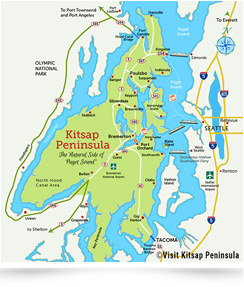
The Kitsap Peninsula is blessed with an abundance of natural beauty and many opportunities to enjoy safe and healthy outdoor recreational activities all year round. Whether visiting or living in the region, when out touring the town or hiking the trails, please follow official health guidelines as you Discover the Treasures Around the Kitsap Peninsula.
Ferry Transportation Updates
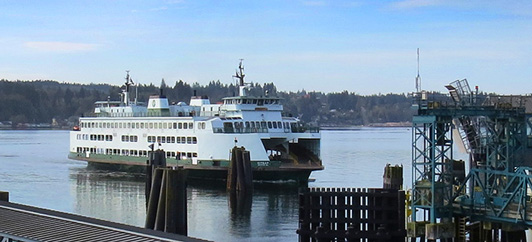
Please contact Washington State Ferries and Kitsap Transit Fast Ferries for information and schedule updates.
Enjoy Outdoor Recreation on the Kitsap Peninsula
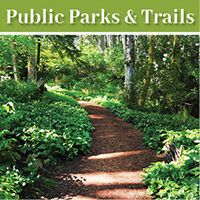
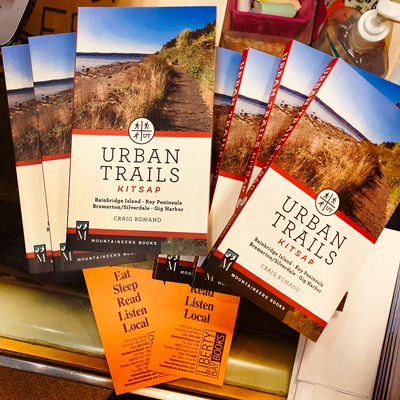
Below are links to information about locations and maps to enjoy outdoor recrecreation including those featured in Craig Romana's popular Kitsap Urban Trails Guide.

Welcome to our Foodie Website
KitsapBites.com is our website devoted to providing support to independent, locally owned places to eat & drink all around the Kitsap Peninsula. More listings are in the process of being added but if you have a local favorite you would like to share, send an email to .
Use our Eating & Drink Search to find options for more eating, drinking, services and amenities. Please note that not all establishments are fully open or may be offering limited hours and services. Please check with each establishment to confirm details.
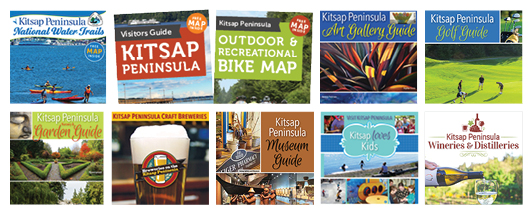
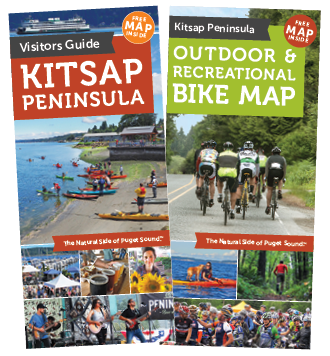
Visit Kitsap Family of brochures & guides
Check out our family of brochures and guides page which provide useful information, maps and printable pdfs.